

Overview
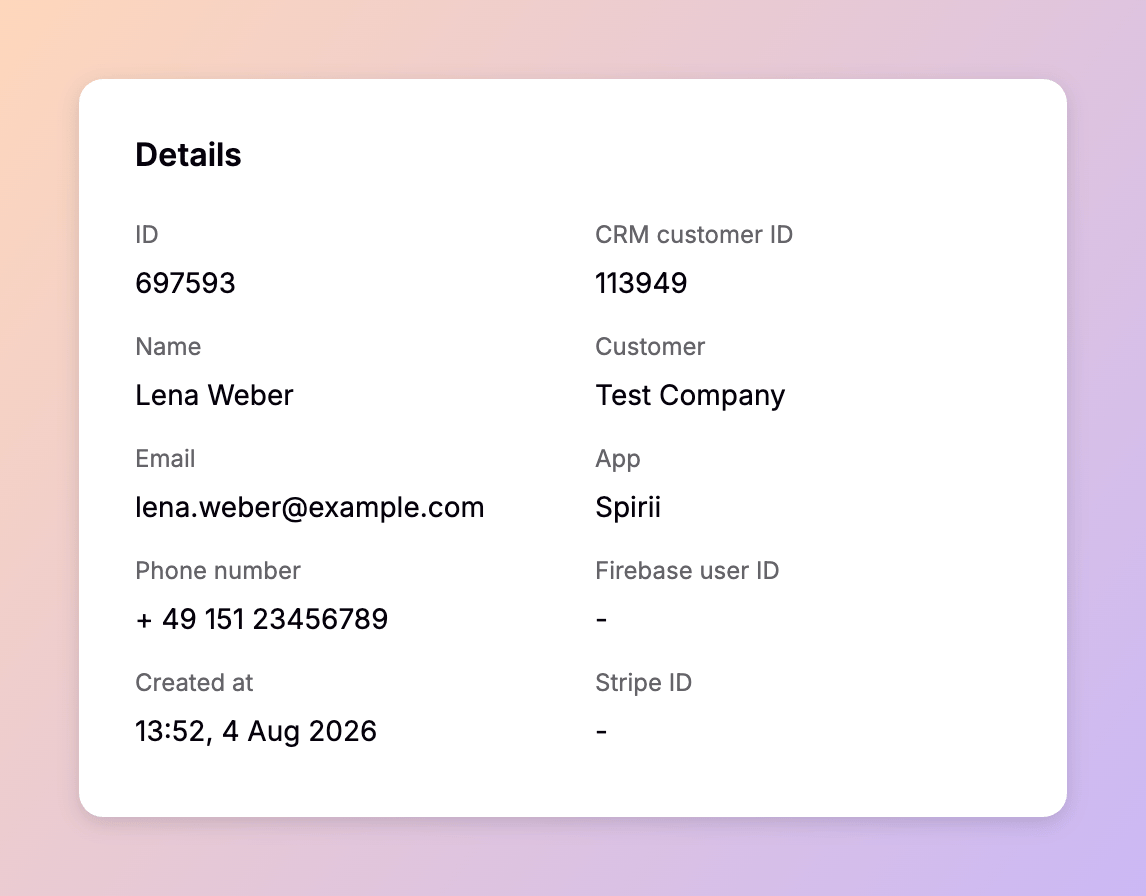
An app user is created when a driver signs up in an app, or by an onboarding flow — the web ordering journey where a driver orders a charger, a subscription, or a charge key. The record itself is light. A name, contact details, and a creation date are all it holds directly, and its value comes from what attaches to it: the charge keys the driver charges with, the cards they pay with, the home charger they control, and their session history. In Connect, App users is where you find a driver, confirm what they can charge with, and see what they have used.Context
An app user belongs to the partner whose app they signed up in. The driver sets that boundary at sign-up when they accept the app owner’s terms and conditions, and Connect enforces it: only the partner who owns the app can see the record. Where an onboarding flow has associated the user with a customer, that customer can manage them too. You can delete an app user from Connect. When a driver deletes their own account in the app, an anonymised identifier is all that remains on their charge detail records (CDRs), so session and billing history stays intact without the person attached to it. An anonymised identifier is also what appears when a driver from another partner’s app charges on your locations. Their account sits behind that partner’s boundary, so the session is attributed without the driver being exposed to you. There is no app user over roaming. A driver reaching another network appears there as a charge key, and nothing about the account behind it crosses the boundary.Key attributes
A driver who signs up in the app on their own has no customer set. Spirii support can assign one on request, but in practice the onboarding flow that created the account makes the association.
Relationships
The first two fields above scope who can see and manage an app user. Everything else about the driver hangs off the record.Charge keys
A driver can hold several charge keys, and each charge key belongs to at most one app user. To move a charge key to a different driver, unbind it from the current one first. You can make the link from either side in Connect, from the charge key or from the app user, and a driver can add a charge key themselves in the app when it arrives. Charge keys do not need an app user at all. A fleet operator running a pool of RFID charge keys shared across vehicles leaves them unassigned.Credit cards
A driver’s saved cards appear in Connect as the card brand, the last four digits, and the expiry date. The card details themselves stay with the payment provider and are never stored in the Spirii platform, so this is the full extent of what Connect shows.Vouchers
A voucher appears on an app user’s account once the driver enters its code in the app. The voucher group behind it sets which locations that driver can use, and on what price conditions.Residential locations
An app user attached to a residential location — a driver’s home, shown in Connect under Locations — can control the charger there: charging schedules, authentication, and the charger’s other settings. More than one app user can be attached to the same residential location, which is how a household shares a charger, though most have a single user. An onboarding flow creates the location, the customer, and the app user together and binds them, so a driver who ordered a home charger arrives with the attachment already in place.An app user is not every driver
Plenty of charging happens without one. All of these produce sessions and CDRs on your network:
On a public network, most sessions will have no app user attached, and the CDR is still complete for billing and reporting.
Used in
Each app user’s charging is recorded as CDRs. See Sessions and CDRs for how those records are structured and billed.Sessions and CDRs
The charging history attached to each driver.
Charge keys
What a driver authenticates and charges with.
Customers
The party that can manage a user alongside the app owner.
Vouchers
Access and pricing granted to a driver’s account.