

Overview
Behind that simple experience is an exchange of digital certificates between the car, the charger, you as the operator, the driver’s eMSP, and the roaming network. Spirii handles that complexity for you: in Spirii Connect, enabling Plug & Charge on a charge box is a single switch. The payoff is a smoother arrival for drivers (no app to open or key to find), which tends to lift satisfaction at a location and bring drivers back. You enable the feature; the driver’s eMSP supplies the payment contract and the certificate that identifies their vehicle.How it works
Plug & Charge is built on Hubject’s ecosystem, so a Plug & Charge session is handled as a roaming transaction. Once you enable it on a charge box, that box accepts Plug & Charge from any roaming eMSP subscribed to your Spirii offer in Hubject. When a driver with a Plug & Charge-capable vehicle and an eMSP contract plugs in, the car and charger exchange certificates (the ISO 15118 standard), the driver is identified, and charging begins on its own. Nothing is tapped or scanned. For example, a Plug & Charge driver pulls into a location, connects the cable, and charging starts straight away; they never open an app, and the session bills through their own eMSP.Enabling Plug & Charge
Before you enable it, two things need to be in place:- A validated charge box. Plug & Charge can be enabled only on charge box models Spirii has validated for it, and the validated set is currently limited. The models API flags which models qualify. See Charger validation for how models are validated.
- A roaming-ready location. The location must have roaming enabled, a tariff, and a roaming tariff set, the same publishing setup that lets it reach any roaming network.
1
Check the charge box is available
The box needs to be online with every connector in an Available state, with no active sessions, because enabling the feature reboots it.
2
Turn on Plug & Charge
On the Charge Boxes tab, open the box’s menu and select Plug & Charge, then enable it.
3
Wait for the certificates to install
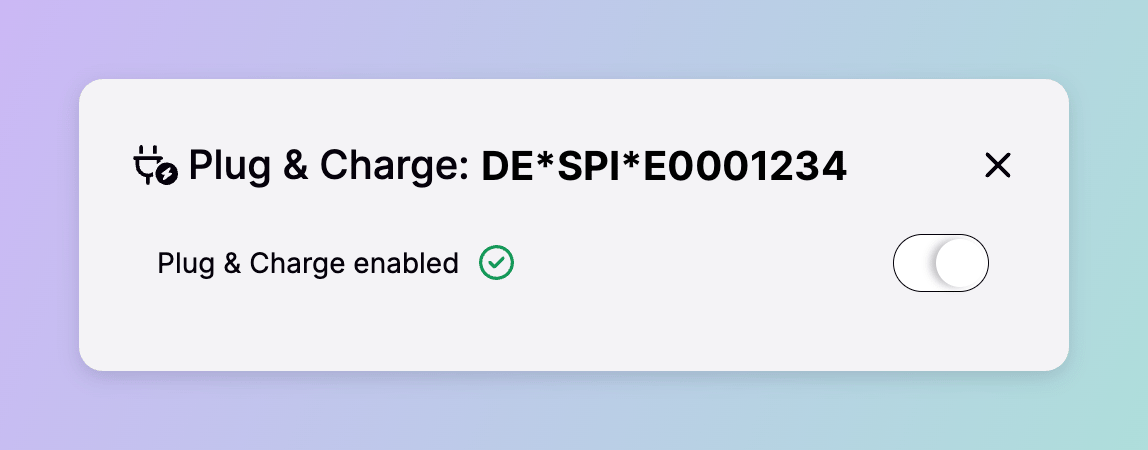
The charger reboots and installs its certificates once it’s back online. Expect a few minutes. When the box shows Plug and Charge enabled, it’s ready to receive Plug & Charge drivers.
Only Connect users with the Operator role can enable Plug & Charge.
Pricing and billing
A Plug & Charge session is priced by the tariff set on the location (the same tariff a Spirii app or RFID driver pays) plus any margin the driver’s own eMSP adds on top. Because it uses the location’s standard tariff, Plug & Charge also carries your advanced pricing, including dynamic pricing and conditional fees. See Pricing options and logic. The driver pays through their arrangement with their eMSP, as with any roaming session, and Spirii invoices the eMSP that owns the vehicle’s Plug & Charge certificate. The roaming tariff on the location isn’t used to price these sessions; it’s only there to publish the location to the roaming network.Plug & Charge and Autocharge
Both let a driver charge by plugging in, but they’re different mechanisms. Plug & Charge uses signed certificates carried by the driver’s eMSP contract and settles through roaming, so you don’t manage the driver at all. Autocharge identifies a vehicle by its VIN or MAC address as a charge key you issue and own. Reach for Autocharge to give your own fleet plug-in charging on your own sites; Plug & Charge opens your chargers to any eMSP’s Plug & Charge drivers. Autocharge and the other charge key methods are covered in Charge key authentication.Dependencies & limitations
- Validated hardware only. Only charge box models Spirii has validated for Plug & Charge can be enabled, and that set is currently limited.
- The location must be roaming-ready. Roaming enabled, a tariff, and a roaming tariff all need to be set before the feature will work.
- Enabling reboots the charger. The box must be online with no active sessions, and it goes through a reboot and certificate install that takes a few minutes.
- Drivers reach it through their eMSP. A driver can only use Plug & Charge at your charger if their eMSP is subscribed to your Spirii offer in Hubject.
Related
Roaming connection
The roaming setup that Plug & Charge sessions are settled through.
Pricing options and logic
The location tariff that prices Plug & Charge sessions.
Charge boxes
The charge box you enable Plug & Charge on.
Charge key authentication
Autocharge and the other ways a driver authenticates to charge.
Location configuration
Set roaming and the tariffs a Plug & Charge location needs.